Generate
Edit
Customize
"People running, risograph poster"
Generate
Edit
Customize
Free AI Image Editor
Edit photos online with AI. Use Krea as an AI photo editor to remove unwanted objects, change backgrounds, expand images, combine references, and describe precise edits in plain English. Start free in your browser with no software to download.
jacket.jpg
becca.jpg
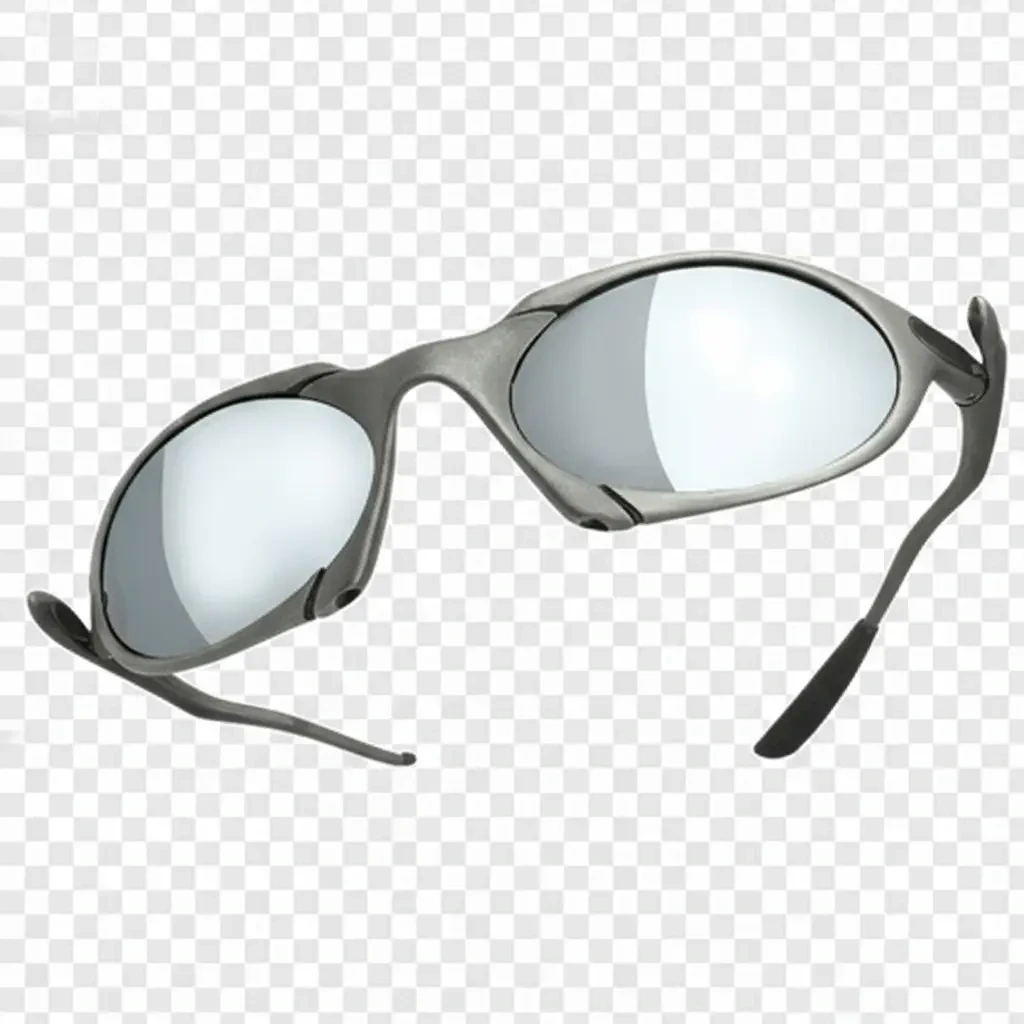
glasses.png
jacket.jpg
becca.jpg
glasses.png
Free AI Image Editor
Edit photos online with AI. Use Krea as an AI photo editor to remove unwanted objects, change backgrounds, expand images, combine references, and describe precise edits in plain English. Start free in your browser with no software to download.
or drop a file
paste image or URL
By uploading an image or URL you agree to our Terms of Service and Privacy Policy.
AI image editor examples


Add a reference subject


Remove objects


Style filters


Detail edits


Product placement
Online AI photo editing tools
Everything you need to edit images online with AI
Krea brings the most useful AI image editor workflows into one browser-based canvas: cleanup, background editing, enhancement, image expansion, reference composition, and style control.
Remove objects
Erase unwanted objects, text, marks, and distractions from photos with AI inpainting.
Change backgrounds
Replace a background, clean up a scene, or place a product photo in a new environment.
Enhance photos
Improve image detail, lighting, color, and overall polish before exporting or sharing.
Expand images
Extend photos for square, portrait, landscape, banner, and social media formats.
Combine images
Use reference images to merge people, products, rooms, and styles into one composition.
Apply styles
Transform a photo with art direction, brand colors, illustration styles, or cinematic looks.
How it works
How to edit images with AI in Krea
Krea is built for practical image editing workflows: product photos, marketing creative, thumbnails, interiors, portraits, and fast visual exploration.
- 1
Upload or paste an image
Start from a JPG, PNG, WebP, AVIF, or image URL. Krea opens your file in a browser-based AI image editor, so there is no desktop software to install.
- 2
Describe the edit you want
Use a text prompt, brush, mask, or reference image to remove objects, change backgrounds, expand the frame, enhance details, or apply a new visual style.
- 3
Generate, compare, and refine
Create polished variations, compare results from leading AI editing models, then keep refining until the image fits your product, campaign, thumbnail, or creative brief.
Use cases
AI image editor use cases for professional visuals
Product photography
Place products in clean scenes, update props, change backgrounds, and create campaign-ready visuals from existing product photos.
Marketing and ads
Adapt images for landing pages, paid social, email campaigns, banners, and seasonal creative without reshooting every asset.
Creator content
Make thumbnails, profile images, moodboards, and social posts with fast prompt-based edits and multiple visual directions.
Photo cleanup
Remove visual distractions, fix small artifacts, improve lighting, and polish images while preserving the useful parts of the original photo.
Interior and architecture
Try new furniture, materials, lighting, and backgrounds while keeping room structure and composition consistent.
Concept and style exploration
Apply references, color palettes, and art direction to move quickly from a rough image to a finished visual direction.
The industry's best AI editing models.
In one subscription.
AI image editing features for everyday photo edits

Edit photos with a prompt
Use Krea as a natural language AI photo editor. Upload an image, describe the edit you want, and generate polished variations without learning complex design software.

Change objects and details
Select an object or detail and describe the change you want. Swap furniture, update props, fix visual artifacts, or revise part of a photo while preserving the original scene.

Expand and resize images
Use AI outpainting and generative fill to extend photos beyond their original borders. Create square, portrait, landscape, and social-ready crops without awkward stretching.

Combine images and references
Blend multiple images into one composition. Add product, room, character, or style references to guide the AI image editor toward a specific look.

Change backgrounds
Replace busy backgrounds, place products in new scenes, or create cleaner compositions for campaigns, thumbnails, and social posts. Keep the subject while changing the setting.

Style transfer
Apply art direction, color palettes, and photo styles to an existing image. Turn a rough concept into a finished visual while preserving the core composition.
Trusted by over 30,000,000 users From 191 countries. We've got a plan for everybody...
Free
Get free daily credits to try basic features.
Basic
Access our most popular features
Pro
Advanced features and discounts on compute units
Max
Full access with higher discounts on compute units
For Teams and Enterprises
Workplace management, collaboration, and enterprise customizations
Business
Secure and collaborative workspace for growing teams
Enterprise
Enterprise-grade security with dedicated support and admin features










Frequently Asked Questions
Yes. Krea lets you start editing photos with AI for free in your browser. Free usage includes a daily limit, so you can try object removal, background changes, outpainting, and style edits before choosing a paid plan.
Yes. Krea is a web-based AI image editor, so you can upload a photo, describe the edit you want, and generate new versions online without installing a desktop app.
You can remove objects, change backgrounds, expand image borders, combine images, enhance photos, apply styles, and make prompt-based edits while keeping the useful parts of the original image.
AI photo editing uses machine learning to understand the content, lighting, and composition of your image. You can use a prompt, brush, mask, or reference image to tell the editor what to change, and Krea generates an edited result that matches the surrounding scene.
AI image generation creates a new image from a prompt. AI image editing starts with an existing photo or image and changes specific parts of it, which makes it better for cleanup, object removal, background changes, enhancement, and precise revisions.
Inpainting edits selected areas inside an image, such as removing an object or replacing a detail. Outpainting expands an image beyond its original borders and creates new surrounding content that matches the existing scene.
The best AI editor depends on your workflow. Krea brings leading editing models including OpenAI image generation, Flux Kontext, Nano Banana, Qwen, Flux, and Ideogram into one workspace, so you can switch models for different photo editing tasks.
No design background is required. AI photo editing works through simple text instructions and visual selection tools, so you can describe what you want changed instead of learning complex editing software.
Users on paid Krea plans receive commercial rights for Krea outputs, as long as they also have the rights to use the original image commercially. Images edited by free users are not licensed for commercial use. Remember that other legal restrictions around AI use may apply in your jurisdiction, including personality rights, copyright, and disclosure requirements.
Yes. Krea works well for product photo editing workflows such as changing backgrounds, adding props, placing products in new scenes, cleaning up distracting details, and adapting images for ads, ecommerce pages, and social content.
Yes. You can select unwanted objects, text, marks, or visual distractions and use AI inpainting to replace the selected area with content that matches the surrounding image.